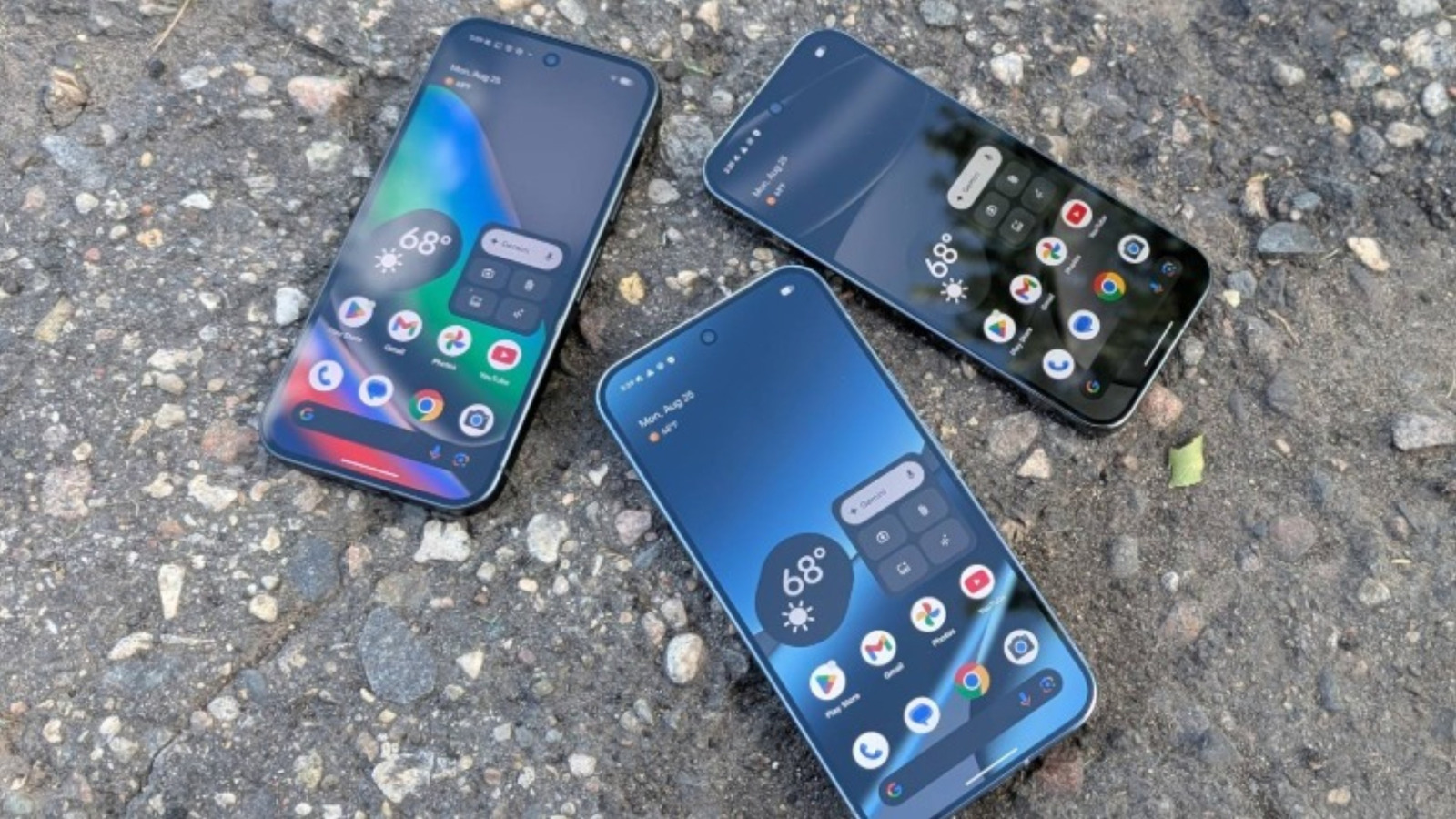
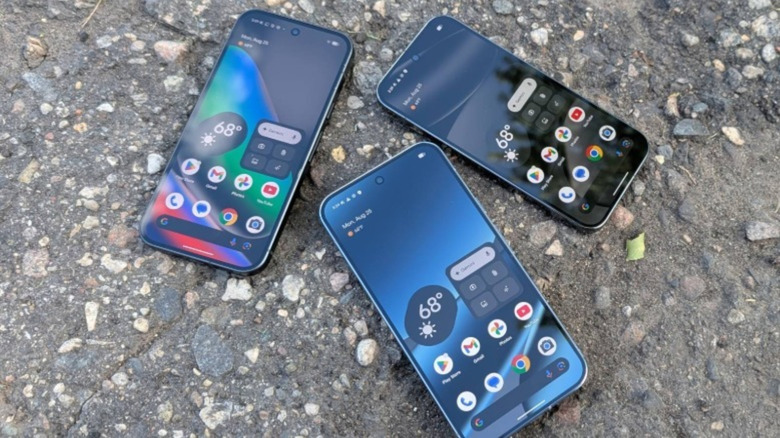
 Chris Burns/SlashGear
Because they come from Google, the maker of Android, Pixel smartphones set the tone for the operating system with each yearly release. For users who want the fastest updates with the latest software features, there is often no alternative to the latest Pixel. But even though software is at the heart of the experience, the hardware Google ships is often equally appealing. From the stellar reputation its camera system has earned to the distinctive visor-like chassis that houses them, Pixel phones can hang with other flagships. However, it's not all top-shelf tech. Case in point: the USB-C port is a mixed bag.
In addition to charging, your Pixel can transfer data over USB-C. In some cases, it can even output audio and video. However, the limitations of these features vary between different generations of Pixel devices. Your smartphone's USB-C port can do more than you think, with some Pixel phones having fast, fully featured USB ports. On others, one of the most basic features you would reasonably expect from a flagship smartphone is bafflingly not available. That's why we're covering the practical limitations of your Pixel's USB-C port today, since the specs of a port dictate its capabilities.
Newer Pixel phones have more robust USB capabilities
 Chris Burns/SlashGear
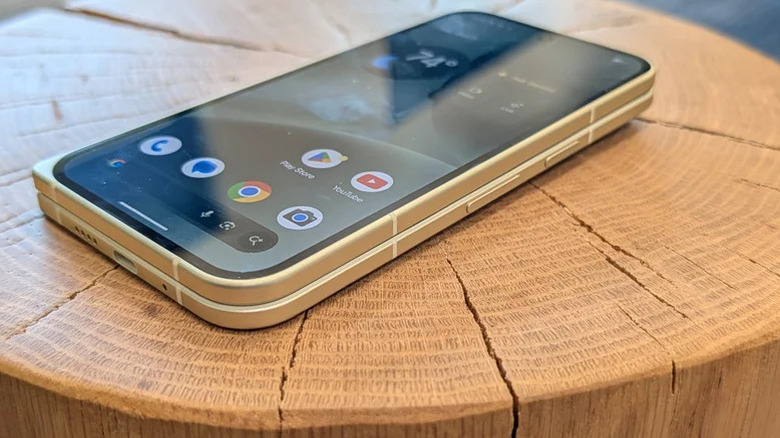
Beginning with the Pixel 7 series, Google moved from a USB 3.1 to a USB 3.2 port. Technically, all USB 3.1 ports were retroactively considered 3.2 ports after a naming revision (a needless complication that's outside the scope of this article, but which is explained in our article on USB SuperSpeed). Therefore, simply seeing USB 3.2 listed on a spec sheet does not necessarily indicate faster speeds than a device with USB 3.1. Some manufacturers take advantage of this confusion to sell slower devices to less tech-savvy customers. Thankfully, Google went with a USB 3.2 Gen 2 port, meaning Pixel devices released within the last several years have a data transfer rate of 10 gigabits per second (Gbps) over USB-C. That includes the Pixel 10 XL and the rest of the 10 series, which are the latest Pixel phones as of this writing.
Provided you have a similarly speedy cable or storage drive, you can theoretically transfer very large files rapidly — a single gigabyte file will transfer in slightly under one second. This makes Pixel devices excellent for portable storage, since Android allows you to browse your phone's file system as if it were attached storage on a PC. That's great news for anyone who shoots a lot of video and edits it on a PC, or those who simply want to offload files regularly to save space on their phone. Word to the wise: you'll want to format your external storage using the exFAT file system, as other file systems like FAT32 and NTFS are not easily compatible with Android and will limit the file sizes you can transfer.
Pixel 8 and newer models support video output over USB-C
 Tada Images/Shutterstock
One of the primary uses for a smartphone's USB-C port, aside from charging and data transfer, is screen mirroring or video output. By connecting your phone to a monitor or TV with a DisplayPort or HDMI cable, you can watch content on a bigger screen. In the near future, Pixel phones are also expected to support the new Android desktop mode, which is already running inside the latest version of DeX on Samsung smartphones.
However, unless you have at least a Pixel 8, there's a huge asterisk. Only models from the Pixel 8 series onward support video out over USB-C using Alt Mode for DisplayPort and HDMI. That's an absolutely shocking omission, as even a few years ago, when the Pixel 7 came out, video output was table stakes for any decent smartphone. There's no way to add video out capabilities to older Pixel devices, either, since it would need to be implemented at the motherboard level on the USB hardware controller. Google recommends that users with older Pixel phones use Chromecast to wirelessly mirror the screen. The downside to this is that it can often introduce significant lag and compression artifacting. At the very least, all Pixel phones can output audio over USB-C, so if you're looking to connect a pair of earbuds or headphones via a USB-C to 3.5mm TS/TRS dongle, you won't be left out in the cold.